For your next YouTube video
Turn your idea into a YouTube thumbnail.
Make a thumbnail from your video idea, or review one you already have before you publish.
One free thumbnail with a watermark. No credit card needed.
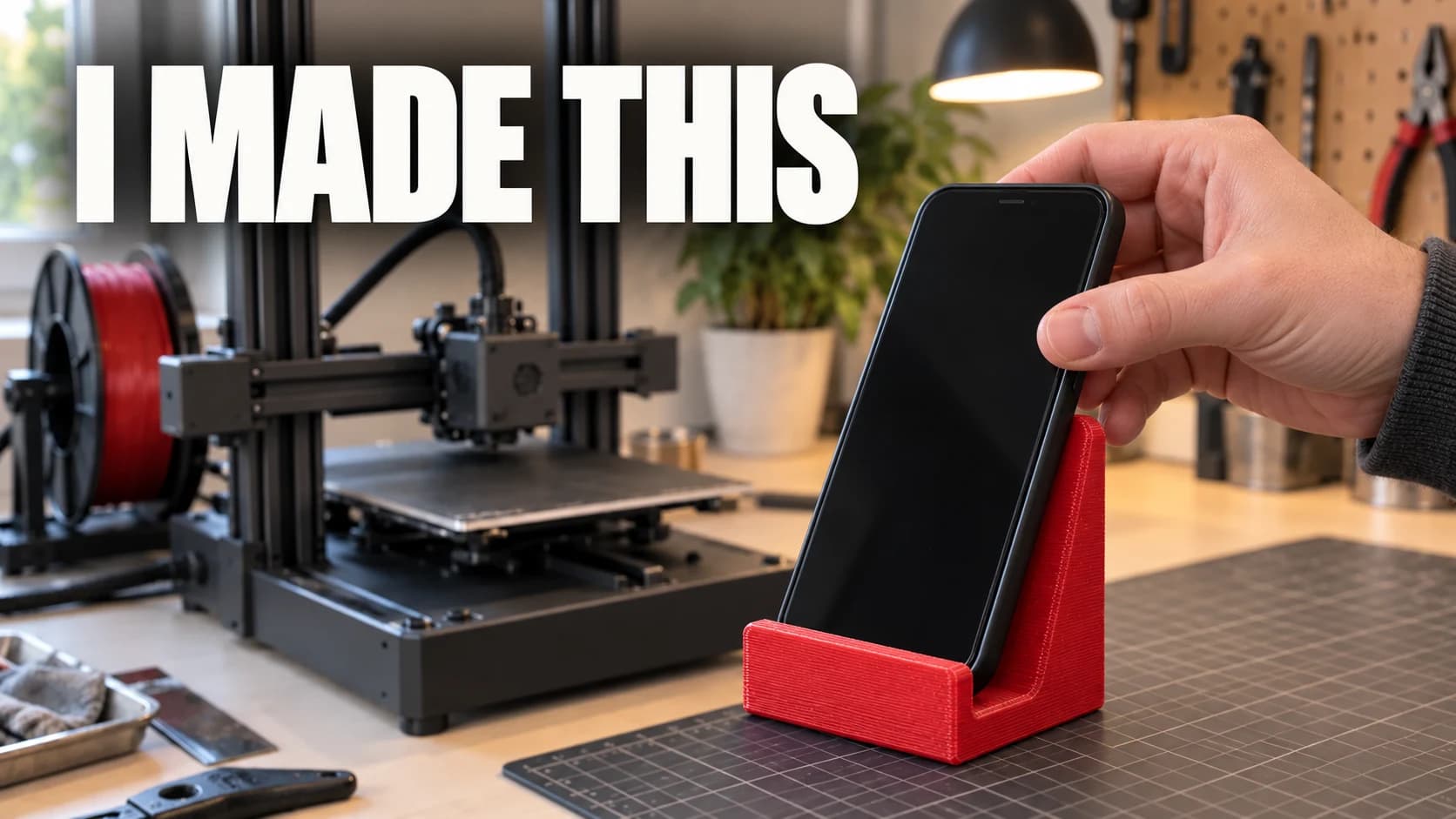
Illustrative concept, not a ThumbFocus export.
See the finished direction
Three ideas. Three clear thumbnails.
A finished thumbnail needs one visible promise. These examples show how a subject, a short message, and a focal point can work together.
Maker
Show the thing that worked
A finished object and a short result make the project easy to understand at a glance.
Creator / studio
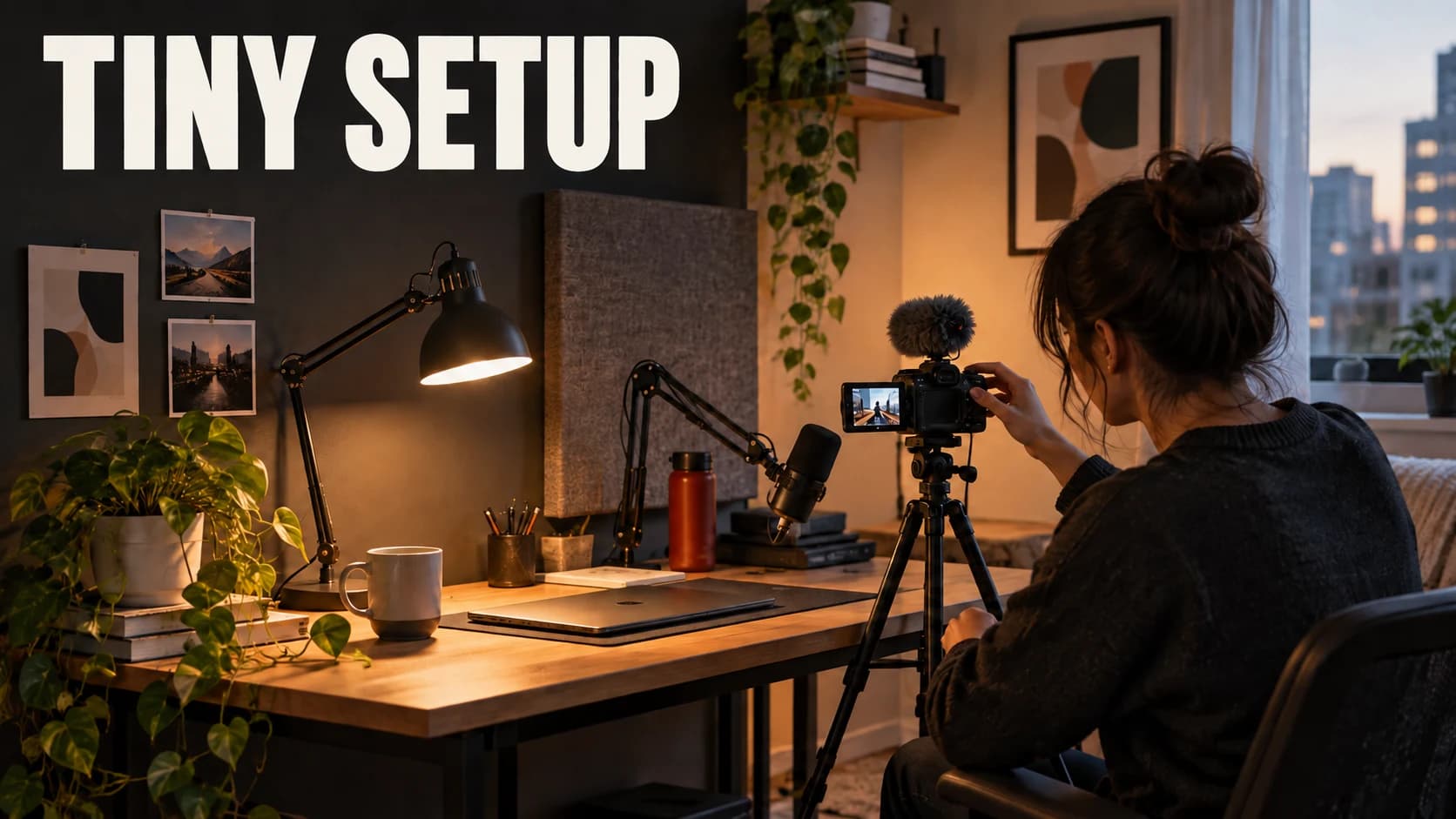
Make the setup the subject
One person, one focused space, and a short phrase give the video a clear starting point.

Food
Lead with the finished payoff
The lifted slice, simple time promise, and close framing keep the idea readable on a phone.
Illustrative concepts, not ThumbFocus exports. Results vary with your idea and references.
Compare directions
Two ways to frame the same video.
Choose two or three candidates from your Library or upload them. Review each one against the same video brief, then compare the feedback side by side before you decide what to publish.
Packaging Score reviews are available on paid plans and cost 1 credit per image.
Compare thumbnails

Illustrative concepts, not ThumbFocus exports. Results vary with your idea and references.
Packaging Score review
See what to improve before you publish.
Upload a thumbnail or choose one from your Library. Get a seven-part review with visible evidence and a short priority checklist.
- Readability, focal hierarchy, and contrast at feed size
- Concrete recommendations for your next version
- Compare up to three candidates against the same video brief
Available on paid plans. 1 credit per image.
Advisory feedback only. A review is not a prediction of clicks, views, or other performance.
Packaging Score
Illustrative report preview
Priority checklist
Make the headline readable at feed size.

A focused creative process
Make the thumbnail, then make the choice.
Start with your idea
Describe the video and add a reference image when it helps set the direction.
Explore a few directions
Make options that emphasize a different hook, subject, or piece of text.
Choose what to publish
Compare at YouTube size, then download the version you want to use or test.
More ways to frame an idea
Start with YouTube, then choose the canvas you need next.
Room for your next idea
Start free. Choose a plan when you need more.
Every paid plan includes clean downloads and all styles. Use credits for optional thumbnail reviews.
Choose the monthly capacity that fits your publishing pace. Creator suits a weekly publishing routine. Pro has the lowest price per credit.
Starter
For occasional creators
50 credits
per month
Up to 25 Balanced thumbnail candidates
$0.18 per credit
- Draft, Balanced, and Premium quality
- Watermark-free exports
- Up to 2 reference uploads
- Saved score reviews
- Compare up to 3 thumbnails
Creator
For creators publishing every week
120 credits
per month
Up to 60 Balanced thumbnail candidates
14% more credits per dollar than Starter
- Draft, Balanced, and Premium quality
- Watermark-free exports
- Up to 2 reference uploads
- Saved score reviews
- Compare up to 3 thumbnails
Pro
For high-volume channels and studios
350 credits
per month
Up to 175 Balanced thumbnail candidates
Best value · $0.14 per credit
- Draft, Balanced, and Premium quality
- Watermark-free exports
- Up to 2 reference uploads
- Saved score reviews
- Compare up to 3 thumbnails
Example: three Balanced thumbnails plus three reviews use 9 credits.
Draft costs 1 credit, Balanced 2, and Premium 4. Scoring costs 1 credit per image. Taxes are calculated at checkout.
A few things you might be wondering.
What can I make with ThumbFocus?
Create a YouTube thumbnail from your video idea, with optional photos of you or your product. You can also review an existing thumbnail and compare up to three options before choosing what to publish.
What do I get for free?
One full-resolution thumbnail in Balanced quality, with a watermark and one optional reference image. Sign up to create and download it. No credit card is needed. Reviews and additional thumbnails use paid credits.
How do credits work?
A new thumbnail costs 1 credit in Draft, 2 in Balanced, or 4 in Premium. A review costs 1 credit per thumbnail. You always see the cost before starting. Creating three Balanced thumbnails and reviewing all three uses 9 credits.
Will a higher score mean more views?
A review helps you spot issues with readability, contrast, composition and how well the image supports your title. It is advisory, not a prediction of clicks or views. Test your final choices with your audience.
Can I use my own photos and download the result?
Yes. Add a face, product or other image you have permission to use. Paid access supports up to two references and watermark-free downloads. Your thumbnails and reviews stay together in your Library.
Can I use copyrighted characters, brands, or reference images?
Use prompts and reference images you have the rights or permission to use, and review the result before publishing. Generated images do not automatically clear copyright or trademark rights. The image provider may reject a request under its content rules; a generic rejection does not tell us whether copyright was the reason. We cannot guarantee that a particular character, brand, or style request will be accepted.
Do blocked generations use my credits?
When a generation fails without producing a result, ThumbFocus restores the reserved credits or free attempt. If recovery is delayed, contact support with the failed attempt from your Library so we can check the record. A successfully generated image uses credits even if you decide not to publish it.
How are the topic, references, and thumbnail text chosen?
From video idea uses your title, description, and references to guide the subject and audience. References are starting material for a new composition. Add the mood and visual changes you want in the description. Choose Automatic headline to request a short headline from your idea, Use my text for exact wording, or No text for artwork without lettering. Text is useful when it adds context, but is not required for a strong thumbnail. Results vary; review the image and refine the brief when needed.
Can I cancel, and what happens if something fails?
Manage or cancel your subscription in Billing. Your plan stays available until the end of its paid period. Monthly credits do not roll over. If a service failure produces no usable result, reserved credits are restored automatically where possible; support can help with any unresolved request.
Still unsure? We can help.
Your next video starts here.
Make the next thumbnail your video needs.
Create a free thumbnailOne free thumbnail with a watermark. No credit card needed.